
#Snapshot
#Purpose
The Snapshot section saves or loads the current simulation state as a .golt file. Snapshots are restartable state, not rendered media. Use downloads for PNG, MP4, metrics, and recorded-frame exports.
#Controls
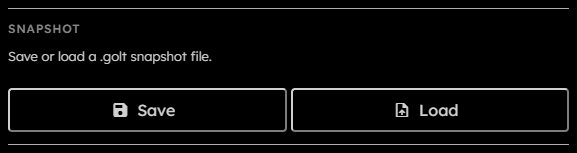
- Progress status:
Shows snapshot save/load progress. Large snapshots can show determinate progress while streaming or decompressing grid data. - Save:
Requests a snapshot from the engine, serializes it in a snapshot worker, and downloads a.goltfile. - Load:
Opens a file picker for.goltfiles and loads the selected snapshot.
Both Save and Load are disabled while running, downloading, stepping, saving, or loading.
#Snapshot Contents
A .golt snapshot contains:
- Grid columns and rows.
- Grid topology.
- Virtual boundary tribe.
- Random seed for probabilistic rules.
- Generation counter.
- Packed grid data.
- Grid packing metadata.
- Tribe IDs and colors, using the Tribe JSON shape.
- Rules, using the Rule JSON shape.
Boundary cells for bounded topology are not stored in the grid payload. The snapshot stores only the selected boundary tribe; off-grid neighbor reads reconstruct the virtual boundary behavior after loading.
For the low-level file layout and how to parse it, see Snapshot format.
Loading a snapshot rebuilds the engine if grid, topology, tribes, rules, random seed, or packing need new GPU resources.